- 4 min read
- chatbot accuracy
How to Reduce Incorrect Answers in a Support Chatbot
Diagnose an incorrect chatbot reply before changing settings. Check the source, freshness, retrieval, interpretation and permitted actions, then retest the failure and related questions.
By Eman El-Bakry
Read this article in Arabic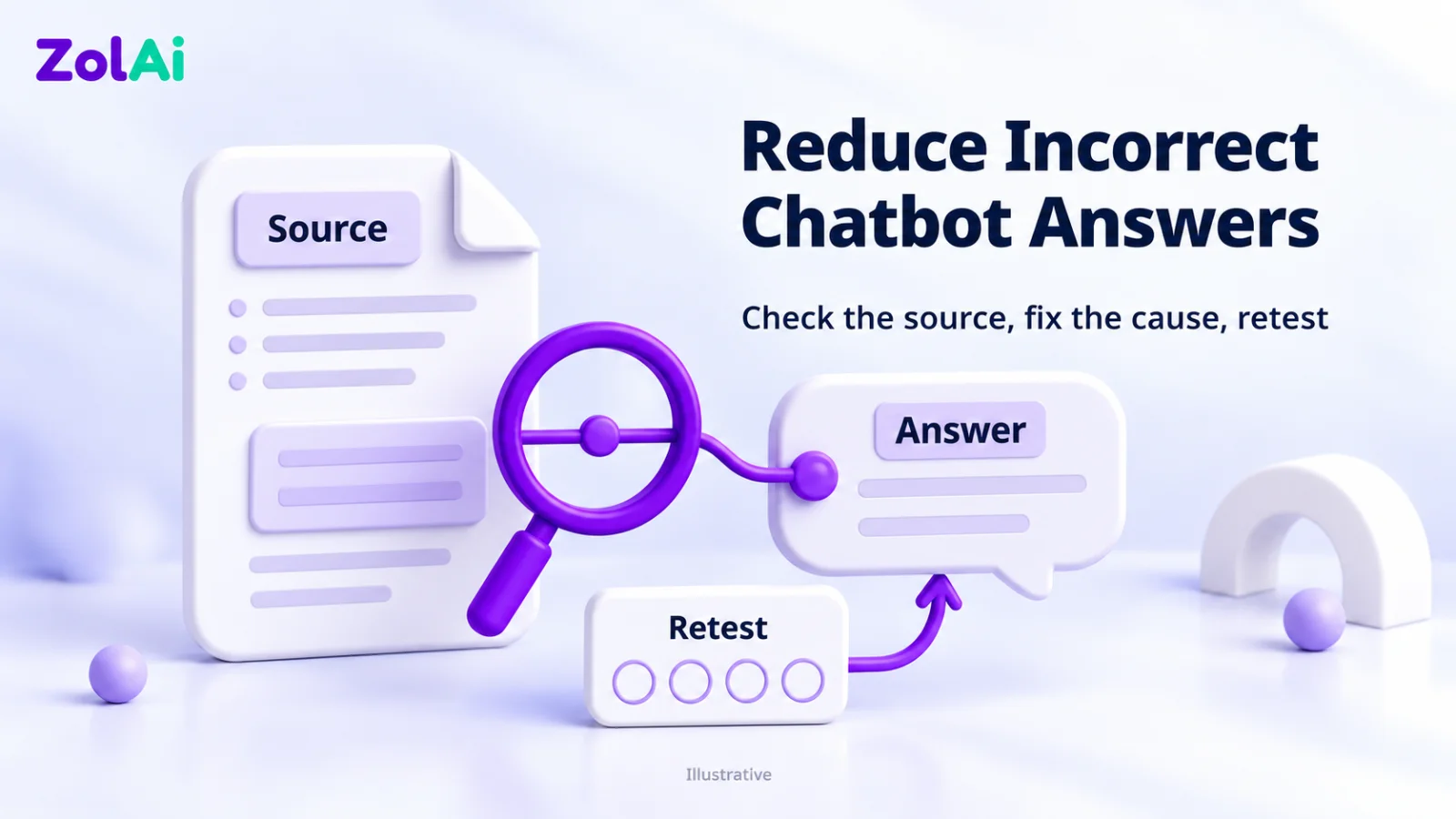
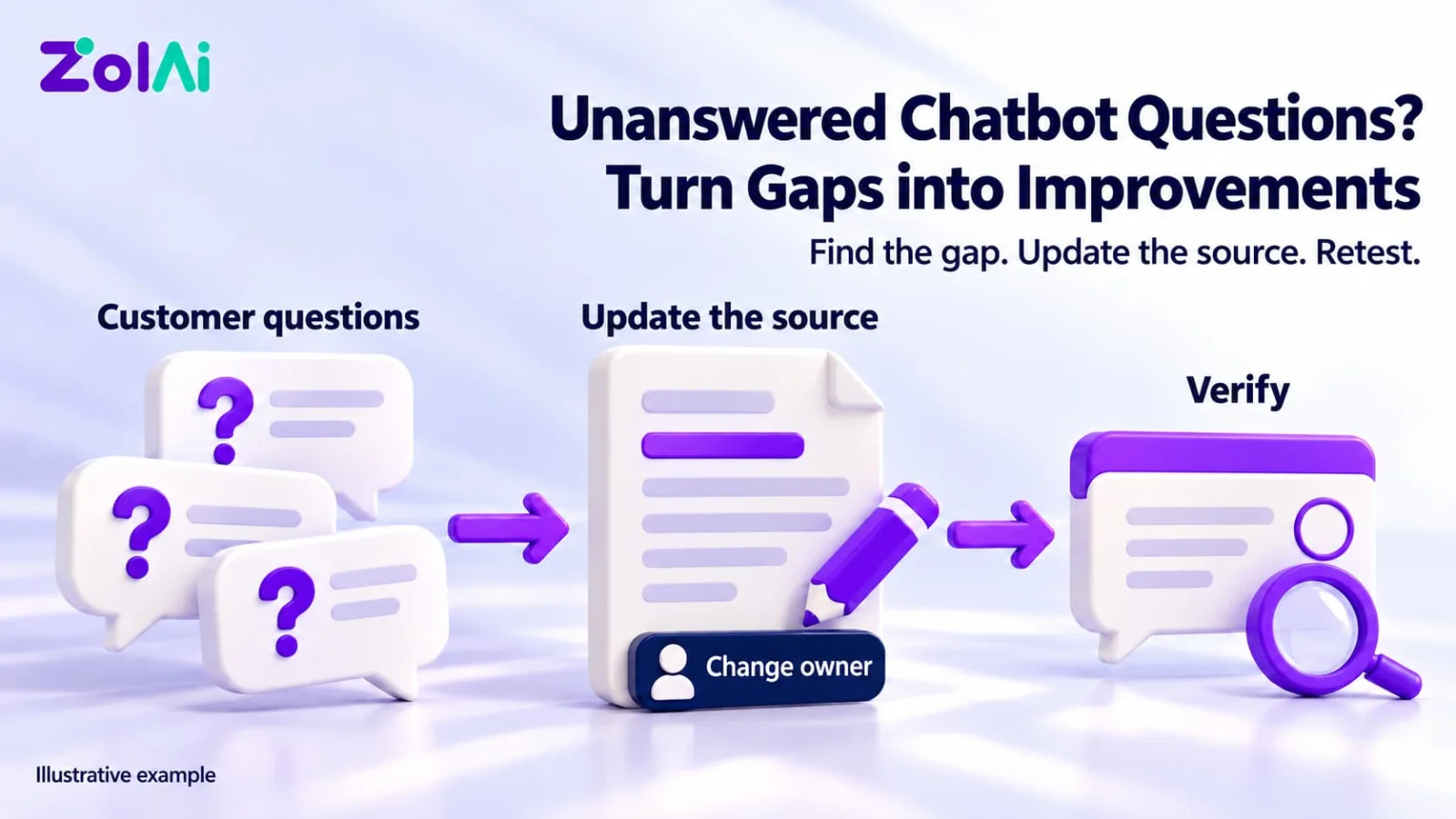
Reduce incorrect support chatbot answers by finding where the failure happened: the source information, its latest imported version, access to the relevant passage, interpretation of that passage, or an action the assistant cannot perform. Fix the affected step, test the original question again and check related cases.
An instruction to “be accurate” cannot repair an obsolete policy or provide access to an unavailable order record. Confident wording does not establish that an answer is supported.
Save the failure before editing anything
Record the customer's wording, the relevant conversation context, the actual reply and the expected reply. Keep the source and version that should have governed the answer, along with the time and any settings available to you.
Remove unnecessary personal details when sharing the record. If the answer could cause a costly commitment, stop relying on that topic and route it to staff while you investigate. Use the controls your platform actually provides; do not assume a particular pause button or restriction exists.
Distinguish a wrong fact from AI hallucination. The assistant might invent a fact, repeat a wrong source, miss a condition or misunderstand the question. Those failures do not all have the same repair.
Follow the answer back to its source
What you observe | What to check | A useful first action |
|---|---|---|
The source itself gives the wrong fact | Which policy is approved now? | Correct the authoritative content and retire the contradiction |
The page is correct but the bot uses an old value | What version was actually imported? | Refresh through the supported process and verify the new content |
The answer exists but is not used | Is the source connected and the passage accessible? | Inspect imported content or retrieval evidence if available |
The right passage is used but its condition disappears | Does the reply overgeneralize the policy? | Clarify the source and behaviour instructions; retest |
The reply confirms an unavailable action | Was any authorised system operation performed? | Remove the completion claim and use a human route |
This is a diagnostic worksheet, not a guarantee that your platform exposes every internal step. If it shows neither imported text nor retrieval evidence, send the provider the saved failure and ask them to check that layer. Do not label it a confirmed retrieval failure without evidence.
tawk.to's documentation separates factual data sources from behaviour instructions and recommends checking connected sources. That distinction is useful when deciding which part to change; its interface controls are specific to that product.
Fix the narrow cause, then test the condition
Consider this fictional delivery policy: “For Zone A, standard delivery takes three to five business days. Other areas require team confirmation.” A customer asks about Zone B and receives “Three to five days.”
Check whether the area condition survived import and whether the reply used the relevant passage. The safe expected outcome is team confirmation for Zone B. Adding a stronger instruction without checking the missing condition may leave the underlying problem intact.
After fixing it, test:
Zone A, where the published window applies.
Zone B, where confirmation is required.
An unspecified area, where clarification is appropriate.
A request to guarantee next-day delivery, which the policy does not support.
Keep essential conditions beside their facts in the source. The knowledge preparation guide covers that work in detail. Grounding helps connect answers to information, but the existence of a citation alone does not prove the answer follows it correctly.
Make uncertainty lead somewhere useful
Write a fallback response for missing or ambiguous information. It should explain what cannot be confirmed and offer a real next step, rather than repeat an apology or invent a plausible answer.
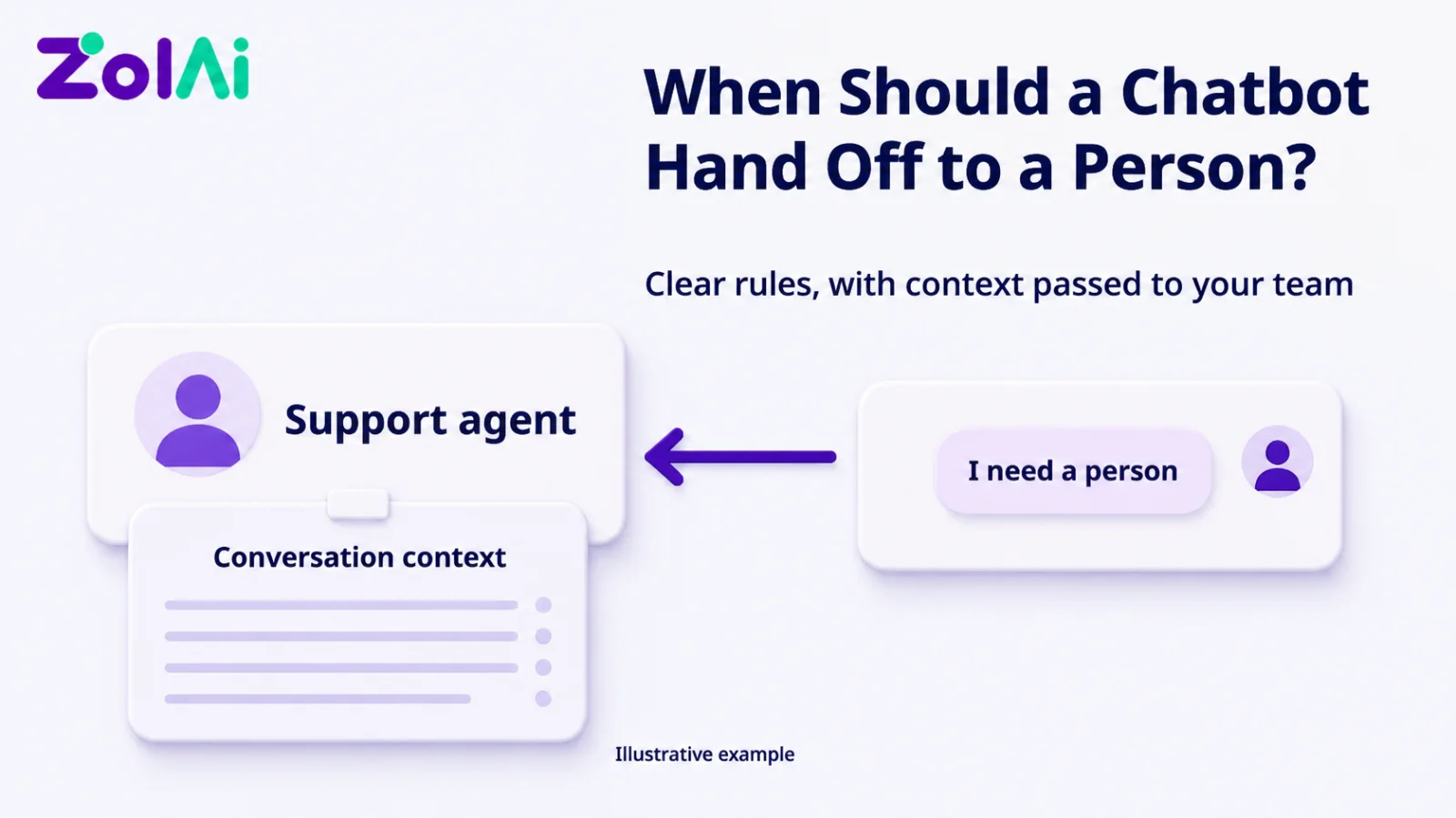
Use human handoff rules for exceptions and requests requiring authority or unavailable data. Make sure someone receives the request. If language caused the misunderstanding, add the case to your Arabic chatbot tests.
Recheck after changes
Keep a small set of previous failures and representative correct answers. Repeat the affected cases when sources, instructions, models or integrations change. Record which version was checked and what remains unresolved.
For ZolAi catalogs, uploaded files need reuploading and URL sources need refetching. Knowledge freshness depends on that process; do not assume the latest store edit is already available. A successful test of one change does not establish that every update or deletion works.
Try ZolAi with your own approved content and include a deliberately unanswerable question. Evaluate the supported answer and the follow-up route before relying on the assistant for customers.