- 5 min read
- maintenance companies
Chatbots for Maintenance Companies: Answer Enquiries and Collect Request Details
Answer questions about service coverage and inspection fees, collect useful job details, and leave repair prices and visit confirmation with your team.
By Eman El-Bakry
Read this article in Arabic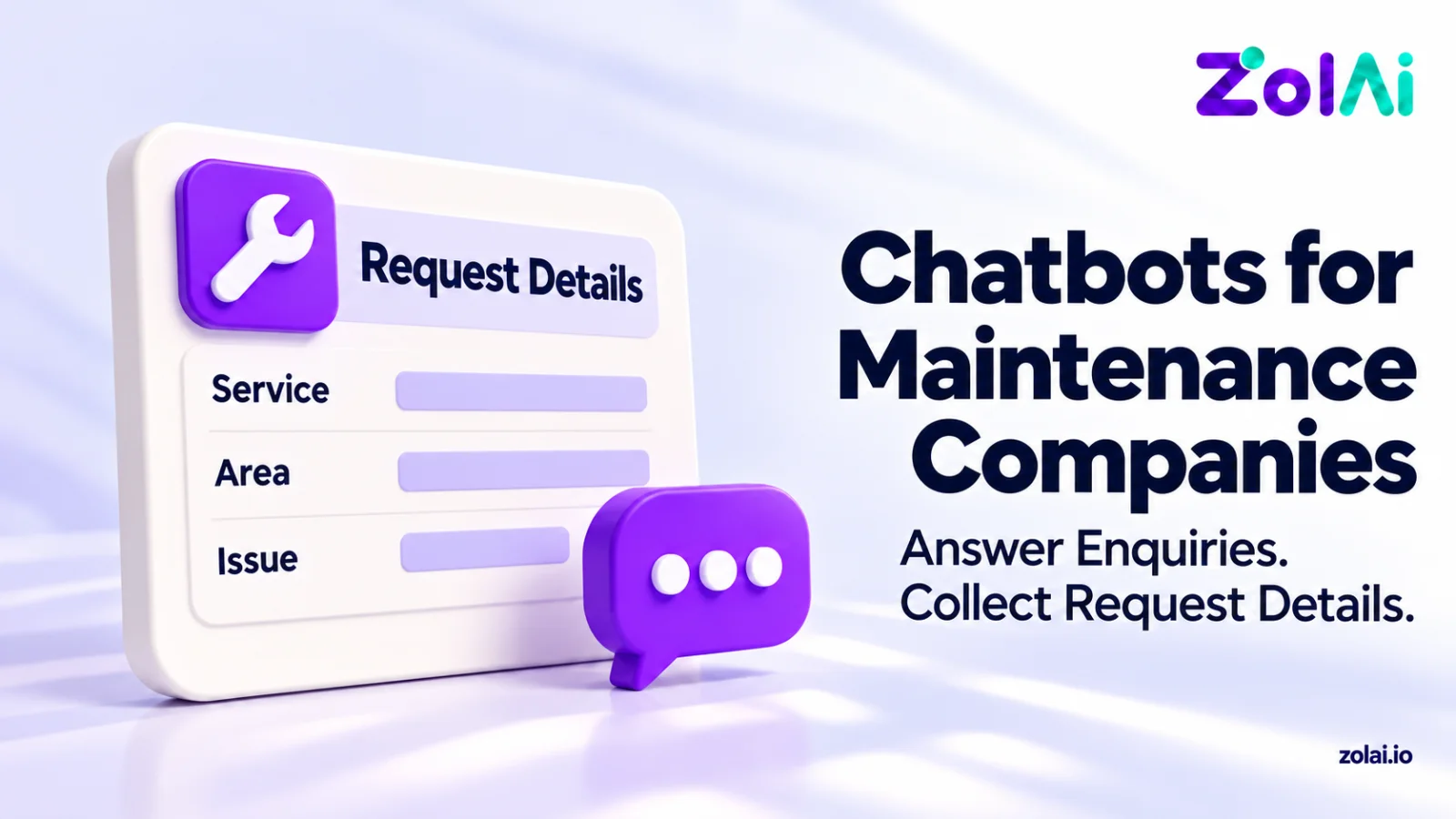
A maintenance company's website chatbot can answer questions about listed services, coverage areas and published fees, then collect details for staff follow-up. Identify the service and location first, and distinguish an inspection fee from the repair price. Keep fault diagnosis, final pricing and visit confirmation with the team unless a verified connected system can perform those tasks.
The useful outcome is a helpful answer and an enquiry the team can understand, rather than “How much to fix it?” without any context.
Clarify the service and area before asking for contact details
When someone asks about a repair, the assistant needs to identify the service and its location. Provide an approved list of services, excluded appliances or job types, and coverage areas. If an area is absent from the source, leave it for staff review rather than assuming that it is covered or excluded.
Ask for the missing distinction. “Is this an air-conditioning repair or another appliance?” identifies the service; “Which area are you in?” helps check coverage. A full street address and phone number are unnecessary before explaining whether the company offers the requested service.
Use the source-preparation guide to organize approved information and its conditions. A customer's description of a fault is useful context, not a confirmed technical diagnosis.
Separate an inspection fee from the repair price
“How much?” might mean the visit charge, a routine service price or the complete repair cost. Clarify which one the visitor means and explain the applicable amount with its conditions.
Type of charge | What to explain | What still needs confirmation |
|---|---|---|
Call-out or inspection fee | What it covers, when it is charged and whether it is credited toward repairs if the policy says so | Cases outside the published conditions |
Fixed service price | The service, eligible equipment, area, inclusions and exclusions | Additional work or parts outside that offer |
Repair estimate | That it is an estimate and its conditions, if an approved estimate exists | Diagnosis, work required and final price |
Do not infer that inspections are free, parts are included or every fault costs the same to repair. If there is no approved amount, explain that the team needs to review the request before pricing it.
Collect details the receiving person will use
Agree with staff what each service enquiry needs. An AC repair request might need the appliance type, a short description of the issue and the area. A cleaning enquiry might need an approximate floor area or room count. Avoid asking every visitor every possible question.
After answering the available question, offer relevant staff follow-up and request the contact detail needed for it with the visitor's agreement. The guide to collecting enquiry details covers timing and receipt checks. Public answers should remain available if the visitor declines to share contact information.
Treat a requested visit time as a preference awaiting confirmation. Check what your tool actually saves: do not assume that equipment and location become separate fields or that the team receives an automatic summary.
Example: an air conditioner that is not cooling
This is a fictional example, not a recorded conversation or a ZolAi test result. Assume the company's approved source lists home AC repairs in Area A and an inspection fee of EGP 250, excluding repairs and parts. The amount is illustrative. The source does not establish whether that fee is credited toward repairs or whether a visit is available tomorrow.
Visitor: My AC isn't cooling. How much will it cost to fix?
Assistant: The repair price needs an inspection. The inspection fee is EGP 250 and excludes repairs and parts. Is this a home air conditioner, and which area are you in?
Visitor: Yes, in Area A. Can someone come tomorrow?
Assistant: Area A is covered, but the team needs to confirm tomorrow's availability. Would you like them to follow up about this request?
If the visitor agrees, request the necessary contact details through a flow you have checked. Staff should receive the service, area, customer's description and preferred visit day. The final price and appointment remain unconfirmed.
Check the answer and the request your team receives
Before relying on the flow, try these cases in Arabic and English:
An unlisted area: the assistant does not confirm coverage without a source.
A request for a final price: the inspection fee is not presented as the repair cost.
A visit requested for tomorrow: no booking or technician availability is announced without confirmation.
A corrected appliance type or location: staff can see the correction in the available context.
Follow-up accepted or declined: inspect what is saved and what the visitor is told in each case.
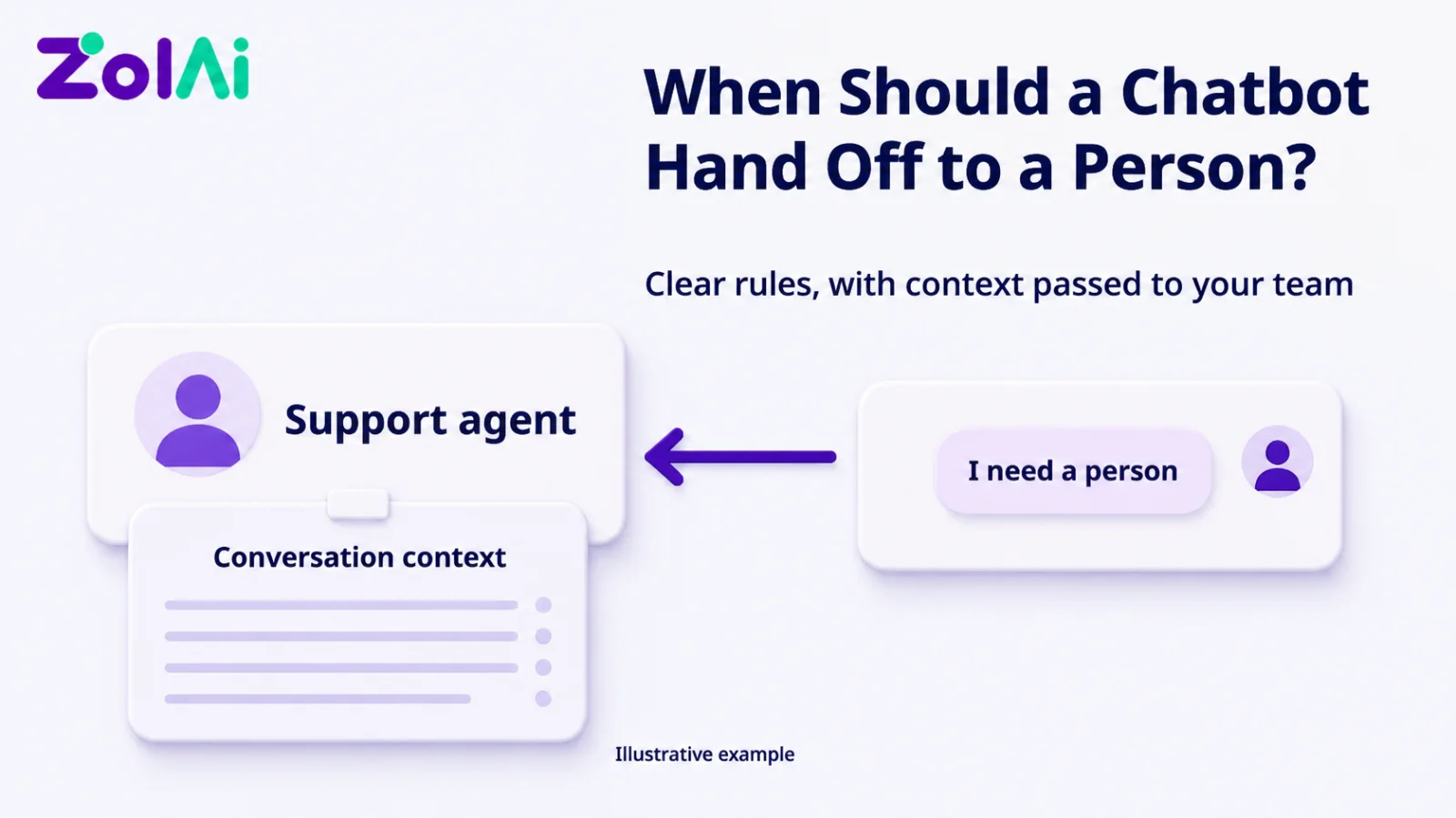
Assign someone to review enquiries, and use human handoff rules when a decision or unavailable information needs staff attention. Say “request received” or “visit confirmed” only after the corresponding event is verified.
ZolAi supports website conversations from business content, enquiry capture and human handoff. Try ZolAi free for 14 days, without a credit card, using one service and its approved information. Check the answer and the team's receipt before expanding the flow.