- 4 min read
- chatbot knowledge
How to Prepare Your Website and Files for an AI Support Chatbot
Choose authoritative sources, remove conflicting versions and write complete facts with their conditions. Use a source register and inspect what the chatbot actually imports.
By Eman El-Bakry
Read this article in Arabic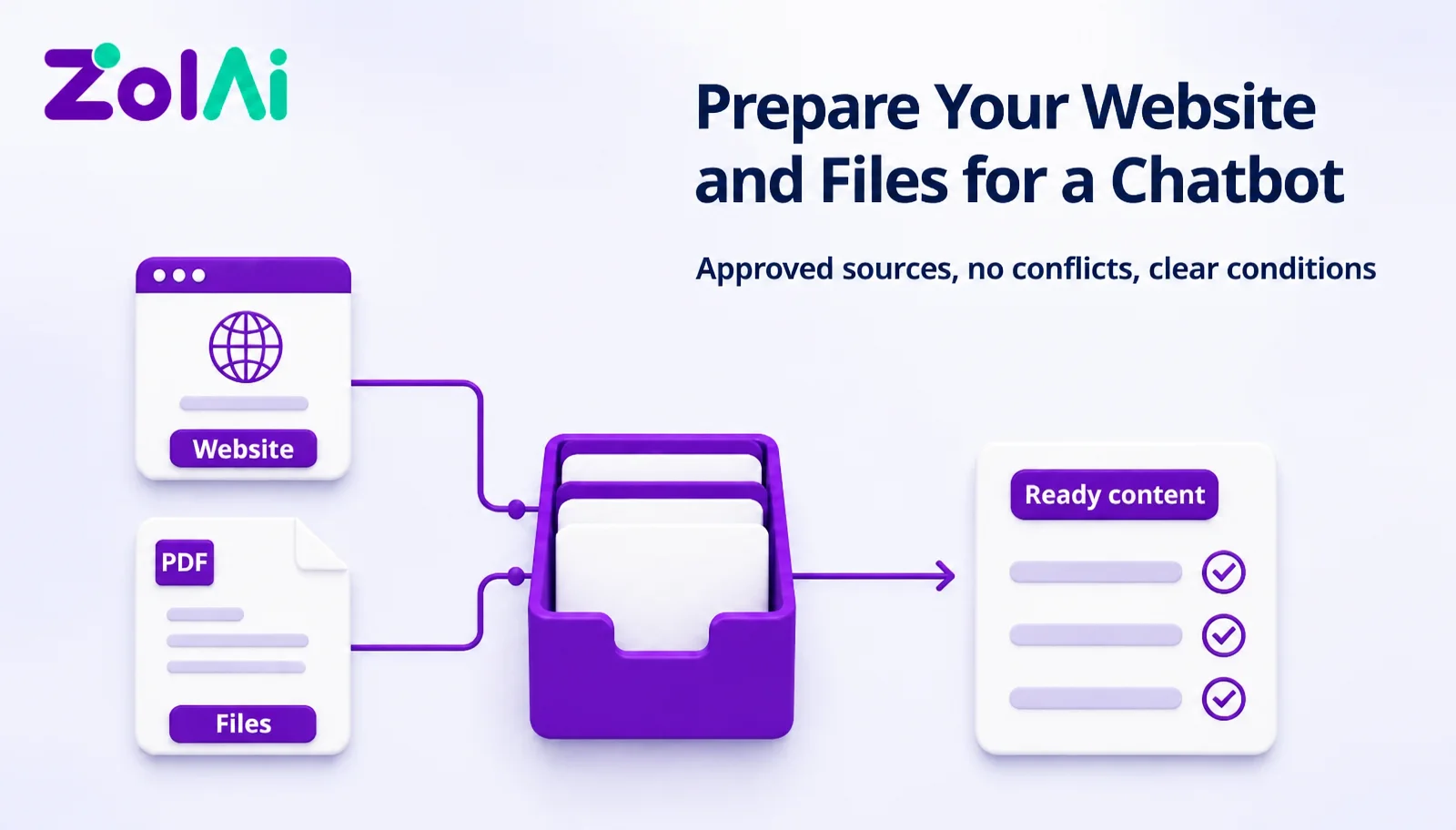
Prepare chatbot content by selecting current, approved information, removing contradictions and keeping each answer together with its conditions. Then inspect the content the system actually imports and test questions against it. Adding more documents is useful only when they add reliable information the assistant needs.
This is content preparation. Installing the chat window is covered in the website chatbot setup guide.
Start with the questions the sources must answer
List the first tasks the assistant should handle: service scope, fees, delivery areas or course requirements, for example. For each one, locate an approved answer or record the missing information as a knowledge gap.
Do not fill that gap with a plausible industry answer. Ask the person responsible for the policy to provide and approve it. Exclude questions requiring private account records or live system access from a source-only pilot unless that connection has been verified.
Create a small source register:
Source | What it governs | Owner and update check |
|---|---|---|
Current service page | Included services and exclusions | Service owner checks on offer changes |
Approved fee document | Amount, currency and applicable conditions | Commercial owner approves changes |
Delivery policy | Areas, timing conditions and exceptions | Operations owner confirms changes |
Old brochure | Historical offer, not current pricing | Exclude or revise before use |
These are illustrative records. Use actual owners and your business's review needs, rather than inventing a universal update frequency.
Resolve contradictions before uploading
If the website says five days and a brochure says three, decide which rule applies. It might be a genuine conflict, or the two values might apply to different services or regions. Write the scope explicitly.
A knowledge base needs governed information, not every file the business has ever produced. Keep internal margins, staff notes, personal records and draft policies out of customer-facing sources unless there is a verified access model for their use.
For bilingual information, check amounts, dates, exclusions and service names across the two versions. A polished translation can still contain an older policy. If only one language has an approved source, test cross-language answers rather than assuming they will be correct.
Keep facts and conditions together
Zendesk's content guidance recommends focused, complete, self-contained information for generative answers. Apply that principle when editing your own material.
Consider this fictional example:
Before: “Delivery: 3–5 days. Other areas: contact us. It costs 50.”
After: “Standard delivery within Zone A takes 3–5 business days and costs EGP 50. For addresses outside Zone A, the team must confirm availability, delivery time and charges before making a commitment.”
The revision identifies the service, area, time unit, currency and exception. It does not add a guarantee of next-day delivery or an unapproved price for other locations.
Use descriptive headings and explicit names instead of “it,” “the above” or “the other plan” when their meaning depends on another section. Put procedural steps in order. If a condition is essential to the answer, do not leave it only in an unrelated footnote.
For a reusable fact entry, record: topic, approved answer, conditions/exclusions, effective date or version, owner, source reference and update action. Not every field needs to appear in a customer reply; the record helps your team maintain the information.
Check text, images and tables after import
Confirm that useful information survives knowledge ingestion. In a PDF, inspect whether the text is selectable and appears in a sensible reading order. A scanned image may require text extraction that your chosen platform may not support.
For tables, keep each value associated with its heading, currency and condition. For an image containing opening hours or a policy, provide an approved text equivalent. A human-readable design is not proof that the imported text preserves its meaning.
If the platform exposes imported content, inspect it. Otherwise ask the provider how to verify extraction and use targeted questions to check the result. Do not infer successful import from a file appearing in a list.
Give each changing source an update process
Record how a change reaches the assistant, who performs it and how it will be checked. Website recrawling is a refresh operation; it is not established merely by adding a URL.
For ZolAi catalogs, a manually uploaded file needs updating and reuploading. A linked source needs refetching. Automatic synchronization and success across price changes or deleted products should not be assumed.
After a change, check the imported value if available and test both the revised answer and a related unchanged fact. If a wrong reply persists, use the incorrect-answer diagnostic guide instead of adding duplicate documents.
Start a ZolAi trial with one approved source and a short question set. Expand the knowledge only after checking that its facts, conditions and follow-up limits survive the full process.