- 5 min read
- human handoff
When Should a Support Chatbot Hand Off to a Human?
Set human handoff rules for direct requests, missing information, exceptions and repeated failures. Define who receives each request and what happens outside staffed hours.
By Eman El-Bakry
Read this article in Arabic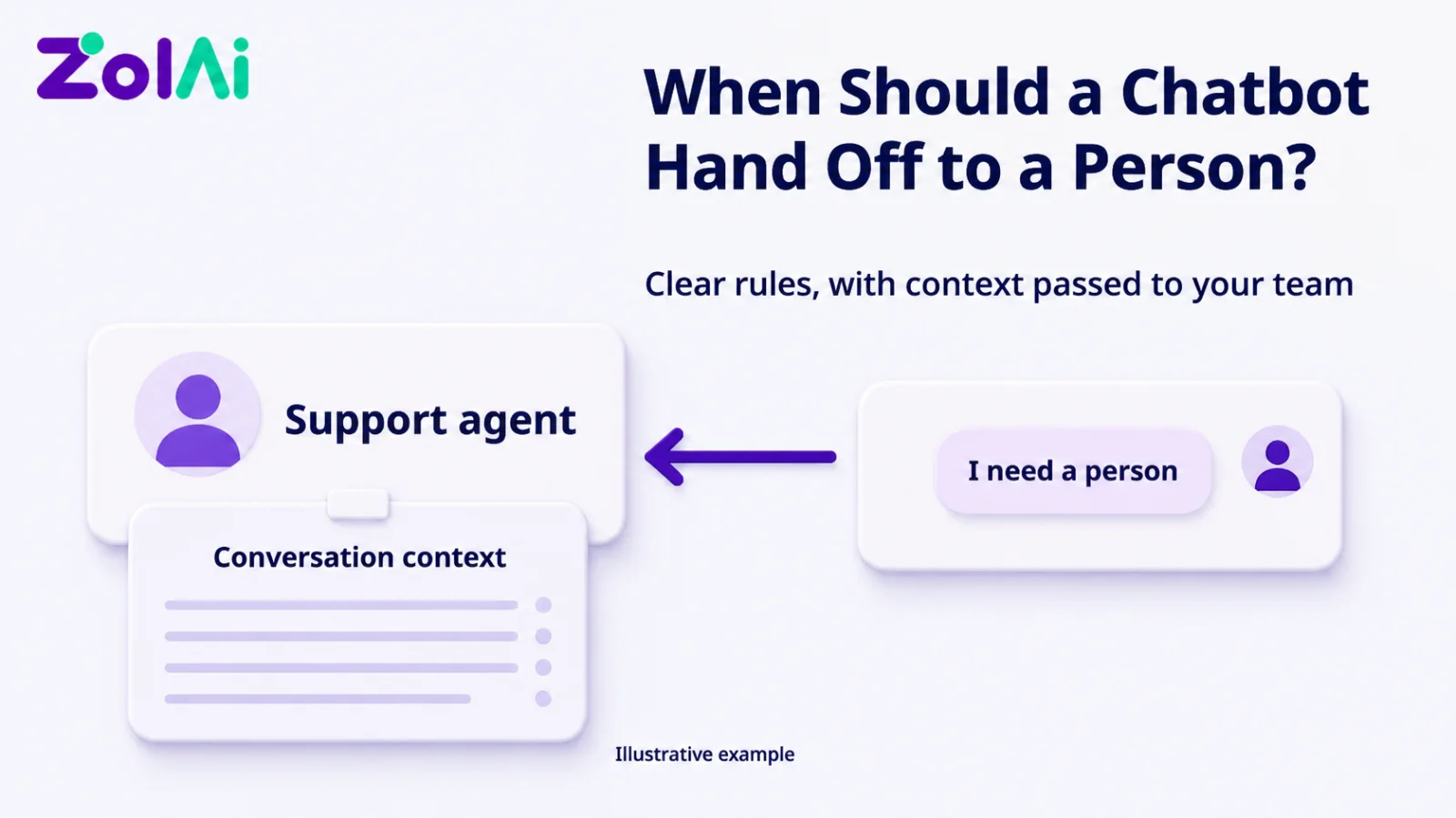
A support chatbot should involve a person when the customer explicitly asks, the answer cannot be supported, the request needs authority or unavailable data, or the conversation is stuck. Each rule needs a receiving owner and an honest next step when no one can reply immediately.
Human handoff starts a transition in responsibility. Routing a request, a person accepting it and the customer receiving help are separate events worth checking.
Turn the reasons into rules your team can run
Start with this proposed rule table, then adjust the receiving roles to your actual business:
Situation | Assistant's next step | Receiving role |
|---|---|---|
“I want to speak to someone” | Follow the available human route without forcing another FAQ loop | Support owner |
No reliable answer in the available content | State what cannot be confirmed and refer the question | The person responsible for that topic |
A policy exception or special commitment | Explain that approval is needed | An authorised decision-maker |
A private record or action is unavailable | Avoid claiming to check or change it | Staff with the appropriate access |
The visitor says the answer did not help and clarification has failed | Pass the question and attempts already made | Support owner |
Agree what “failed clarification” means for your flow. A small team might permit one relevant clarification before offering help, but that is a design choice to test, not a universal turn limit.
Intercom's escalation documentation provides product-specific examples of explicit human requests and repeated loops. Use your own cases to set the rule; do not assume another provider's triggers exist in ZolAi.
Pass context that helps the next person act
A shared inbox needs a clear next owner. Agree what the receiving person should see: the request, relevant conversation, known facts, attempted answer, unresolved issue and any contact details necessary for the agreed follow-up.
Separate a customer's statement from a verified fact. “The customer says they paid” must not become “Payment confirmed” in a summary. The person should be able to inspect the original exchange.
If the platform creates a summary, test its accuracy. If it does not, check whether the available conversation history is sufficient. Do not promise automatic summaries, notifications or routing rules until the selected product and setup demonstrate them.
Sometimes a request needs escalation to a different authority, not just the next available agent. Identify that role in advance so the customer does not move through several people who cannot decide.
Tell the customer what is actually happening
Use messages that match the current state. These are illustrative templates, not product transcripts:
When a person has not yet accepted: “This needs our team's review. I'll send the question with the details already shared. You may need to wait for a reply.”
Use “sent” or “received” only after the corresponding event is confirmed. A message announcing an intention to transfer should not imply that a teammate is already reading it.
What happens outside staffed hours?
When nobody is available, separate questions the chatbot can answer from requests that need the team. An answer from approved content may help now; a refund exception still needs an authorised person.
A documented question: the bot can answer within its verified scope. Do not imply a person is present.
A request for staff or a decision: explain that the team is away and offer the follow-up route you have checked.
Missing information: state what cannot be confirmed and leave the question for review. Do not invent an answer to fill the wait.
Show your actual business hours and time zone, including closures. The time the team returns is not a promise that every waiting request will receive a reply then. Add a response expectation only if the team can meet it.
This message is an illustrative example for a fictional business. Replace its schedule and contact request with details your team can support:
“Our team returns on Sunday at 9 a.m. Cairo time. Leave a short description of your request for follow-up after we return. If you want a reply outside this chat, share your preferred contact detail.”
Only offer that route after checking that the request and any contact detail reach a place the team monitors. Use “received” or “sent” only when that event is confirmed. Check any alternative contact route before showing it.
Assign someone to review waiting requests at the start of the next shift, check the conversation, and name the person responsible for each next action. Keep the request open until the necessary follow-up is complete. This is an operating process to arrange and test, not a claim that ZolAi automatically schedules replies, sends reminders or assigns shifts.
Test acceptance and the return to automation
Run a small set from the visitor side and inspect the receiving side:
A direct request for a person at the start of a conversation.
A request after an unsuccessful answer.
A policy exception needing a named approver.
An after-hours request: verify the offline message, receipt of the request and context, and a named owner when the team returns.
A reopened conversation after a person previously handled it.
Confirm the request appears in the correct destination, someone owns the reply, and the customer does not receive conflicting human and bot answers. Test what stops automated replies during human handling and what, if anything, resumes them later. These behaviours depend on your setup.
Record routing time, acceptance time and the first useful human reply separately if the system allows. A low handoff rate can mean successful answers or blocked access to people; inspect conversation outcomes before calling it an improvement.
Fix recurring content failures with the incorrect-answer checklist. If you have not chosen your support model yet, use live chat vs AI chatbot to decide where each belongs.
ZolAi includes a team inbox and human handoff for website support. Try a complete handoff during your trial, checking both the visitor's next step and the team's receipt before relying on it.
Updated October 27, 2026