- 5 min read
- live chat
Live Chat vs AI Chatbot: Which Does Your Small Team Need?
Decide when your team needs live chat, an AI chatbot or both. Compare question types, staff availability and upkeep, then use a simple worksheet to choose a support model you can run.
By Eman El-Bakry
Read this article in Arabic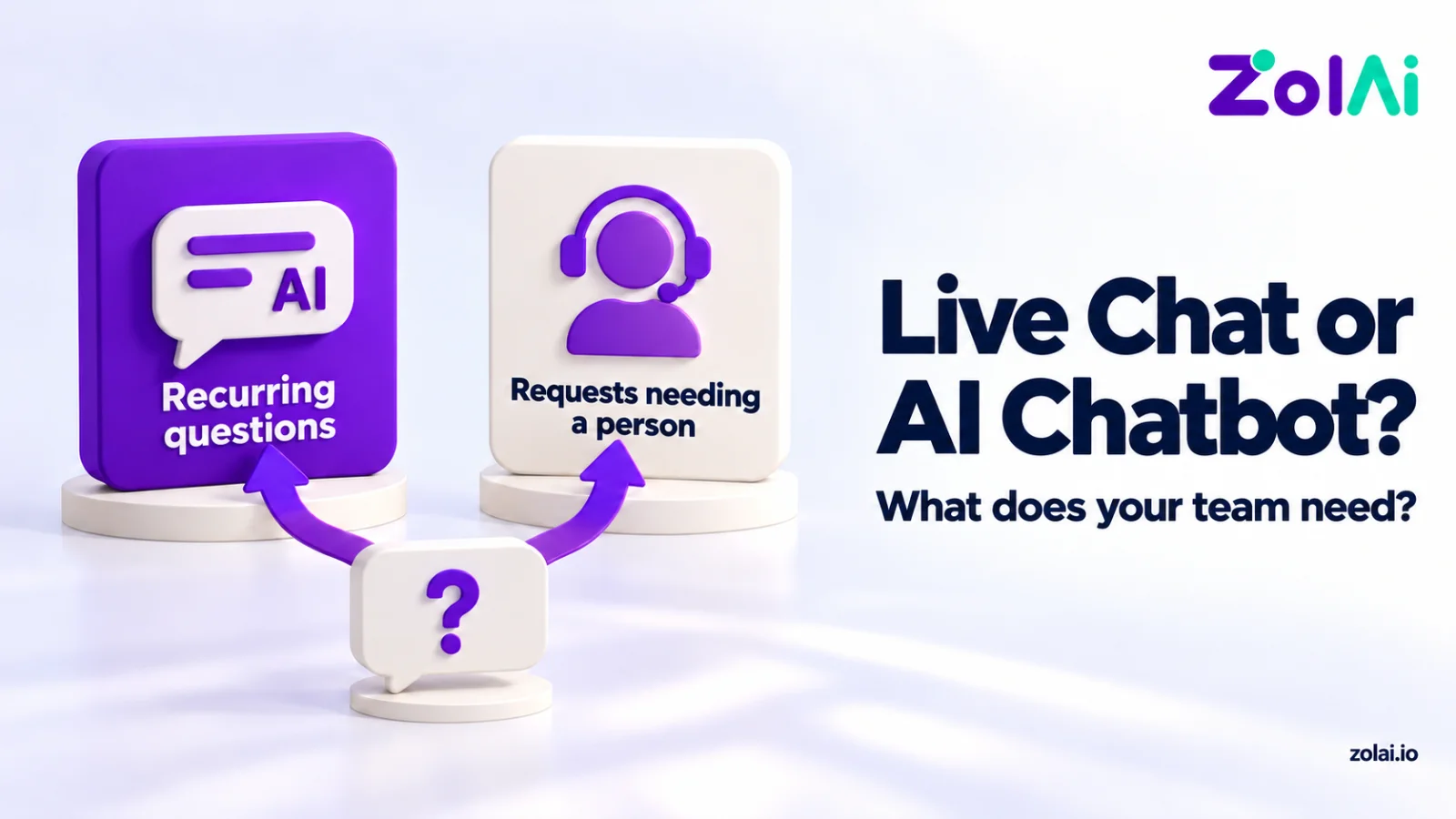
Choose live chat when a customer's request needs a person's judgement or access to their account, and someone can actually reply. Trial an AI chatbot when recurring questions have answers in information your team can keep current. Combine them when each has a clear job and someone owns the follow-up.
The decision starts with the work your customers need done. An automated answer outside working hours does not make your human team available around the clock.
Live chat vs AI chatbot: what changes in practice?
With live chat, a person on your team replies to the visitor. An AI chatbot generates replies using the information and capabilities available to it. Either can appear in the same chat window; the difference is who answers and what they can do.
Decision factor | Live chat | AI chatbot |
|---|---|---|
Questions it can handle | Requests a staff member has the knowledge and authority to resolve | Questions supported by its connected information and verified capabilities |
Availability | Someone must be available to respond; a queue can still form | Can answer outside staffed hours, subject to service availability and usage limits |
Exceptions | An authorised person can assess an exception | Needs an approved rule or a route to someone who can decide |
Ongoing work | Scheduling, staff training and conversation follow-up | Updating sources, checking answers and following up on unresolved requests |
Cost to consider | Software plus the time of the people answering | Software and usage charges, plus maintenance and human follow-up |
Neither option automatically provides access to customer records or permission to issue refunds. A person needs the right access; an automated system also needs a verified connection and rules for using it.
When live chat is enough
Live chat can be a sensible starting point when enquiries are infrequent, most need a discussion, and your team can cover the hours you promise. A small service business handling a few tailored quotes may gain more from an informed person than from automating the opening exchange.
Make availability explicit. If nobody can respond now, offer a message and follow-up route rather than presenting an unattended window as immediate human help. For occasional questions already answered on your site, improving the page or its navigation may be enough.
When an AI chatbot is worth trialling
Consider a trial when visitors repeatedly ask about information you can document: delivery areas, course requirements, opening hours or a published returns policy. It can also help visitors find those answers when staff are away.
The operating requirement is someone who keeps that information usable. Assign an owner to update changed details, review uncertain answers and deal with requests left for the team. An AI chatbot moves some work into maintenance; it does not remove responsibility for support.
Keep the trial within a clear scope. Explaining a shipping policy is different from checking where a particular order is now. The second needs access to that order's current data. A convincing policy answer does not demonstrate that access.
When combining AI and live chat makes sense
A combined setup is useful when common questions have documented answers but some conversations need a person's decision. The human handoff must lead to a real follow-up process, with relevant context available to the person taking over.
Consider this hypothetical shop conversation, not a customer result or product test:
Visitor: How long does delivery take?
AI: The shop's published delivery window is three to five business days.
Visitor: I need it tomorrow. Can you guarantee that?
The next step needs someone who can check whether faster delivery is possible and approve any commitment. During staffed hours, that person can review the request and reply. After hours, the visitor needs an honest explanation of when the team will return and a way to leave the request.
Collecting a message for later is useful, but it is not live human support. If nobody owns those messages, adding automation leaves the follow-up problem unresolved.
Use your conversations to choose a starting model
Review a varied sample of recent enquiries, including after-hours messages and exceptions. For each one, record the answer source, any account access or approval needed, staff availability and who would follow up.
Use the following worksheet as a starting point. These are illustrative decisions, not measured outcomes.
Enquiry | What it needs | A reasonable starting route |
|---|---|---|
Which areas do you deliver to? | A current delivery policy | Trial an AI answer from that policy |
Can you approve this exception? | A person with decision authority | Human review, immediately or by a stated follow-up route |
Where is my order? | Current order data and appropriate access | A connected system whose behaviour you have verified, or a staff member |
Can you discuss a tailored service? | A conversation about the customer's situation | Live chat during staffed hours, or an appointment/message route |
Choose the smallest setup that covers the important requests reliably. Then check whether people get correct answers, whether unresolved conversations reach an owner, and how much maintenance and staff time the setup needs. An immediate first reply is only one part of that evaluation.
Once the support model is clear, use the website chatbot selection guide to compare tools. If you are ready to try one, the guide to adding a chatbot using your business content covers the next step.
ZolAi supports website conversations in Arabic and English using your business content, with a team inbox and human handoff. To evaluate that setup, try one question covered by your content and one that needs a person. Check both the visitor's answer and your team's follow-up.
Start a ZolAi trial with your own questions. The current offer is 14 days without a credit card.